

Guide to getting free ebooks for Kindle
Is your Amazon Kindle feeling a little empty? We’ve all been there, scrolling endlessly, searching for new reads but hesitant to spend yet another dime. Well, get ready to breathe new life into your device! Loading free ebooks for Kindle-style is not only easy, but it’s also super gratifying. 📚✨
Whether you’re a seasoned Kindle user or just embarking on your digital reading journey, this guide will show you how to unlock a treasure trove of free ebooks. From timeless classics to fresh indie titles, your next great read is just a few taps away. Why limit your library when you can expand it indefinitely—at absolutely no cost?
Read on as we dive into the nuts and bolts of downloading and enjoying an endless array of books. Prep your Kindle, make yourself a cozy reading nook, and let’s get started. Are you ready to transform your Kindle into the ultimate book lover’s paradise?
Exploring Legal Sources for Free Ebooks on Kindle
Are you looking to expand your reading library without breaking the bank? Finding legal sources for free ebooks for Kindle users can access is easier than you might think. With a plethora of options available, you can start downloading and enjoying a variety of titles right away. But where do you start?
Many are unaware that several reputable websites offer vast collections of free ebooks that are completely legal to download. Sites like Project Gutenberg, Open Library, and even Amazon’s own Free Kindle Books section provide readers with access to thousands of free titles. What’s better than finding classic and contemporary books at no cost? 📚
- Project Gutenberg: Offers over 60,000 free ebooks, including many classic literary works.
- Open Library: Features a wide-ranging catalog with page-for-page reproductions of books from around the world.
- Amazon Free Kindle Books: Provides a selection of free titles for Kindle users, routinely updated with new options.
Why not browse these sites and discover hidden gems or revisit old classics? Have you added any amazing finds to your Kindle library recently? 🤔 Remember, exploring these legal avenues not only enhances your library but also supports the authors and publishers in a significant way.
How to Convert and Transfer Non-Kindle Files
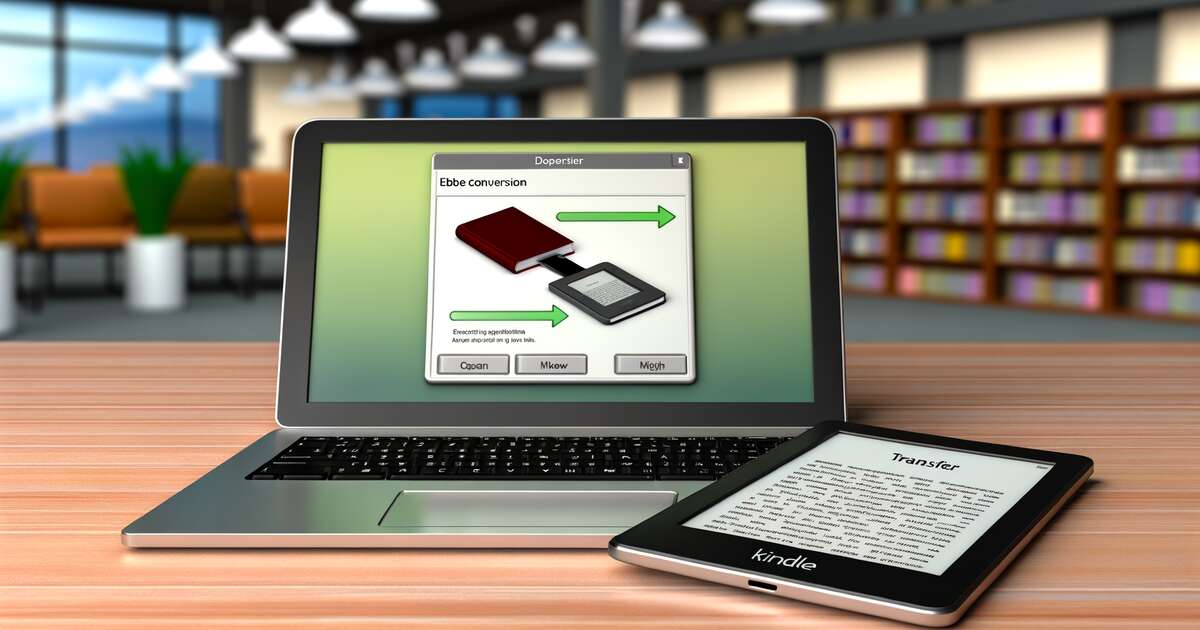
So you have some favorite ebooks that aren’t directly from Amazon and you’re dying to read them on your Kindle? Fear not, as converting and transferring non-Kindle files is surprisingly straightforward! 📘🚀
Most non-Kindle files will likely be in formats like EPUB, PDF, or MOBI. To get these onto your Kindle, you’ll usually need to convert them first to a Kindle-supported format, typically MOBI or AZW3. This ensures that your device can read the files smoothly, without any hiccups in formatting or navigation. Have you considered using a tool for this purpose?
One of the most user-friendly tools for this task is Calibre, a remarkable software that not only helps in converting formats but also in managing your ebook library effectively. Once you’ve converted your ebooks into Kindle-friendly formats using Calibre or a similar software, the next step is transferring them. You can easily send them to your Kindle via email or directly connect your Kindle to your computer and move them over. Just remember, your Kindle needs to be registered under your Amazon account to receive files via email. Isn’t that incredibly convenient?
- Convert non-Kindle ebook files to Kindle formats like MOBI or AZW3 using software like Calibre.
- Transfer the converted files by emailing them to your Kindle’s email address or by direct USB connection.
- Ensure your Kindle is properly set up to receive free ebooks for Kindle transformations can bring!
Using Calibre for Ebook Management and Transfer
Have you ever faced the hassle of managing a large collection of ebooks and trying to transfer them to your Kindle? Calibre is your go-to tool for such tasks! Calibur is not just an ebook manager—it’s a powerful, free tool that can handle everything from ebook conversion to organization and transfer precisely tailored for your free ebooks for Kindle needs.
Why Choose Calibre for Your Kindle?
Calibre makes it incredibly easy to move books from one device to another without the usual technical headaches. It supports a myriad of formats, including those not natively supported by Kindle. This means you can convert and transfer just about any ebook to your Kindle in a format it can read. Plus, it’s equipped with features that let you modify the metadata of your ebooks, helping you keep your library organized and searchable. 📚
But how does it work? Simply add your ebooks to Calibre’s library, convert them to a Kindle-friendly format if necessary, and transfer them to your device using either a USB cable or email. Calibre also allows for wireless transfers to your Kindle via the Calibre Go app, which can be even more convenient!
Getting Started with Calibre
Download and install Calibre from its official website, connect your device, and watch as it intuitively manages your ebook library. Whether you’re dealing with a few books or thousands, Calibre remains responsive and efficient. Are you ready to take control of your digital library and make transferring books a breeze?
Setting Up Your Kindle to Receive Free Ebooks
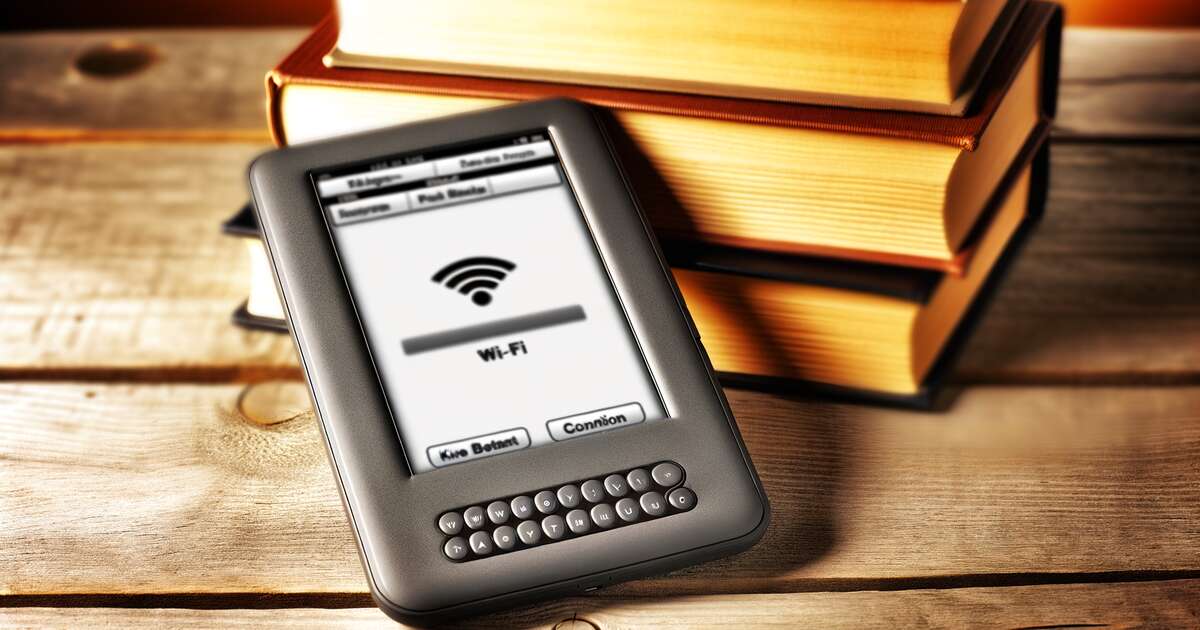
Setting up your Kindle to receive free ebooks for Kindle style is a breeze, and you’re just a few steps away from transforming your device into a powerhouse of literary wealth. Are you ready to expand your library at no extra cost?
Simple Steps to Kindle Setup
- Ensure your Kindle is connected to WiFi. This is essential as your Kindle will need internet access to download ebooks.
- Register your device with your Amazon account. This step is crucial for accessing Amazon’s vast library of free ebooks and smoothly sending them to your Kindle.
- Go to ‘Settings’ then ‘Device Options’. Here, ensure that your personal document settings allow for items to be sent to your Kindle. This is often overlooked but is vital for receiving ebooks from sources other than Amazon.
Once these settings are adjusted, your Kindle will be all set to receive ebooks. Isn’t it exciting to think about all the books waiting to be read? What titles are you planning to dive into first?
Optimizing Your Kindle Settings for Different Formats
Getting the best experience out of your Kindle when reading various types of free ebooks often comes down to how well you’ve optimized the device settings. Have you tweaked your Kindle settings to ensure optimal readability for different file formats? Whether it’s a PDF, EPUB, or MOBI file, each format offers unique challenges and benefits.
Begin by adjusting the font size and type. Kindle offers a variety of adjustable settings that can make reading easier, especially if the original formatting of the ebook is less than perfect. For PDF files, which are often not reflowable, enabling the landscape mode and adjusting the margin size can significantly enhance your reading experience. Isn’t it amazing how such simple tweaks can transform your reading sessions?
- Adjust the brightness to suit your environment. Brighter isn’t always better, especially for long reading sessions!
- Experiment with the page refresh settings to find what’s best for your eyes. Some readers prefer fewer refreshes to reduce flickering.
- Use the ‘Vocabulary Builder’ to learn new words directly as you read—perfect for diving into more complex literature!
Moreover, don’t forget to customize the text alignment. While full justification might look clean and tidy, some users find that left-aligned text creates a more comfortable reading flow, reducing eye strain during those marathon reading sessions. 📚✨
Finally, always ensure your Kindle firmware is updated to the latest version. Why? Because each update not only enhances security but often improves the device’s compatibility with various file formats, ensuring you get the most out of your free ebooks. With these settings optimized, your Kindle is all set to provide an enjoyable and strain-free reading experience. Happy reading!
Common Questions
How do I get free eBooks for Kindle?
There are several ways to find free eBooks for your Kindle. One popular method is using Amazon’s ‘Top 100 Free’ section, which lists the most popular free eBooks available directly on the Amazon website. Another method is to explore websites such as Project Gutenberg, Open Library, or ManyBooks, which offer a vast selection of eBooks without charge, legally downloadable in Kindle-compatible formats like MOBI. Additionally, subscribing to newsletters like BookBub can also alert you about temporary free eBook offers from various genres.
Can I read full books for free on Kindle?
Yes, you can read full books for free on Kindle. Amazon provides a range of free books through its Kindle store, which includes classics as well as books from contemporary authors. Additionally, various online libraries and websites, like Project Gutenberg and the Internet Archive, offer extensive collections of full-length books in formats that are compatible with Kindle devices. Moreover, local libraries often provide digital lending services, such as OverDrive or Libby, where you can borrow eBooks and read them on your Kindle at no cost.
Do Prime members get free Kindle books?
Yes, Amazon Prime members have access to a variety of free options for reading Kindle books. Prime Reading, a service included with Amazon Prime, offers thousands of free books, magazines, and other reading materials that members can download and read on any Kindle device or Kindle app. Additionally, the Amazon First Reads program gives Prime members in the U.S. the opportunity to download one of a selection of books for free every month before these books are released.
How do I download free library books to my Kindle?
To download free library books to your Kindle, you’ll need a library card and access to a library that supports eBook lending through a service like OverDrive or Libby. First, visit your library’s digital lending website, find the eBook you want to borrow, and check if it’s available in a Kindle format (some books may only be available in ePub format). If it’s available, you can send the book to your registered Kindle device or app by signing in with your Amazon account. The process can usually be completed through your library’s lending platform, and you can start reading on your Kindle once the book is delivered.
Troubleshooting Common Kindle Ebook Issues
Encountering issues while loading your free ebooks to Kindle can be frustrating, right? Luckily, most problems have simple fixes. Let’s go through some common glitches and ways to troubleshoot them, ensuring your reading time remains uninterrupted.
1. Ebook Not Showing Up
If you’ve transferred an ebook to your Kindle and it’s not appearing, first ensure that the transfer was completed. Sometimes, disconnecting the Kindle before the transfer completes can prevent the ebook from showing up. Always eject your Kindle properly from your computer. If it still doesn’t appear, try restarting your Kindle or re-transferring the book.
2. Incorrect Formatting
Is the text weirdly formatted or hard to read? This often happens with non-native Kindle formats. Using tools like Calibre, you can easily convert files to a more compatible format like MOBI or AZW3 before transferring them to your device. This typically smooths out any formatting issues.
3. Ebook Won’t Open
If your ebook won’t open, the file may be corrupted. Try re-downloading the ebook from the original source and transfer it again. Also, ensure your Kindle’s software is updated to the latest version, as outdated firmware can sometimes cause compatibility problems with new ebook formats.
Are these steps helping you get back to your reading? Sometimes, all it takes is a little tech know-how to solve common ebook issues on your Kindle!
Final Notes: Guide to Loading Free Ebooks on Your Amazon Kindle
By now, you should feel well-equipped to start downloading and enjoying free ebooks for Kindle style without a hitch! Isn’t it exciting to think about all the amazing reads just waiting to be discovered and devoured on your Kindle? With the practical steps and tools we’ve covered, you’re all set to expand your digital library without spending a dime. Remember to check legal sources and optimize your device settings for the best reading experience.


