What Song Is This? Identify Tunes with Your Phone or Speaker
Ever find yourself tapping your feet to a catchy tune but can’t figure out the name? With the burning question, ‘What Song Is This?’ echoing in your mind, it’s time to unlock the mystery of music with your smartphone or smart speaker. 🎶
In today’s high-tech world, you no longer need to hum melodies to your friends or desperately search lyrics online. Discover how incredibly easy it is to identify songs in just seconds. Isn’t it amazing how technology connects us to the music we love so effortlessly?
From pop hooks to indie beats, learning about the tools that help detect the soundtrack of your life can rekindle old musical flames or ignite new audio passions. Get ready to explore the quick ways to pinpoint any song that piques your interest, all at your fingertips!
The Rise of Music Recognition Technology Explained
Have you ever been in a situation where a catchy tune plays, and you can’t seem to figure out the name of the song? Well, you’re not alone. Thanks to the incredible advancements in technology, identifying those elusive songs is now easier than ever before. The rise of music recognition technology over the past decade has revolutionized the way we interact with music, transforming our devices into powerful tools for discovering new soundtracks and revisiting old favorites.
Music recognition technology uses sophisticated algorithms and databases packed with millions of songs to find a match for the tune you are curious about. Simply put, these technologies can listen to a snippet of music, analyze the audio data, and cross-reference it against a vast library to tell you, What Song Is This? It’s like having a music-savvy friend in your pocket, ready to help anytime, anywhere!
How Does It Work?
The process starts with your device capturing a short audio clip, which is then converted into a digital fingerprint. This fingerprint is unique to each song, much like a digital signature. The technology then matches this fingerprint against its database. Once a match is found, the song details are sent back to you in seconds. Can you believe how quick and efficient this process is?
With the continuous improvements in machine learning and data storage, these technologies are becoming more accurate and faster. So next time a mysterious tune captivates your interest, don’t hesitate to reach for your phone or smart speaker. The answer to ‘What Song Is This?’ is literally at your fingertips—or should we say, within your vocal command! 🎶
How to Use Your Smartphone to Identify Songs
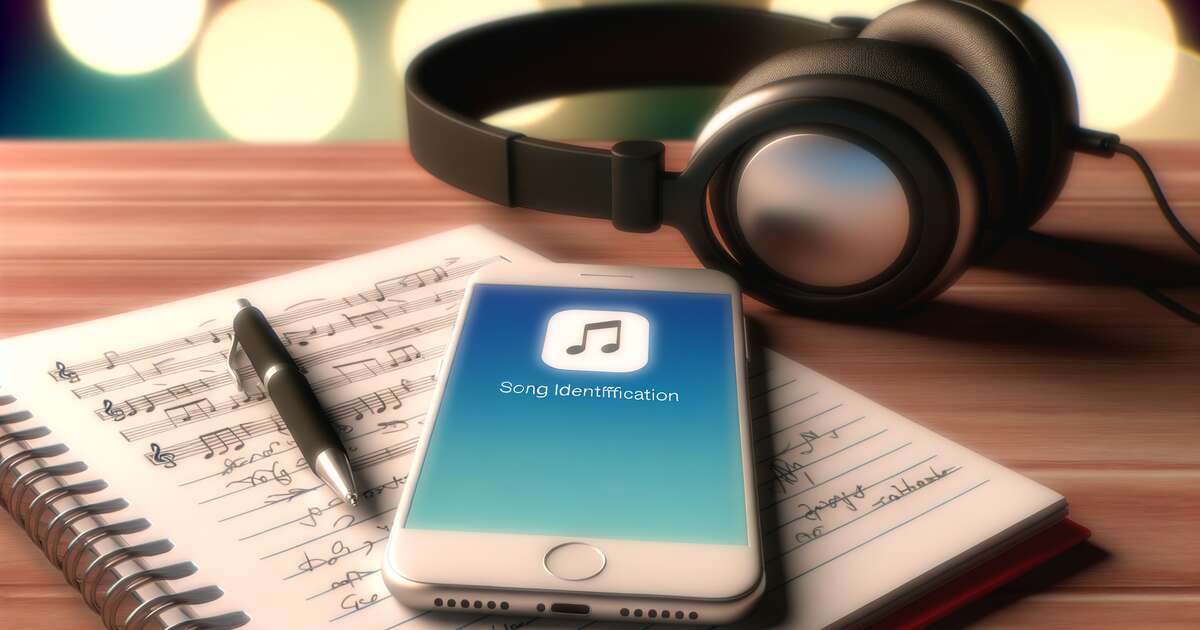
Wondering ‘What Song Is This?’ when you hear an irresistible tune? Your smartphone is a powerful tool to help you uncover the mystery! Almost everyone carries a smartphone today, and, believe it or not, it can be your personal music detective. Let’s dive into how you can use your phone to identify songs instantly.
Activate Music Recognition on Your Phone
To start, most smartphones come equipped with built-in music recognition software. For iPhone users, there’s Siri, and Android enthusiasts can make use of Google Assistant. Have you ever tried saying, ‘Hey Siri, what song is this?’ Go ahead, give it a try next time you’re stumped!
Download Dedicated Music ID Apps
If your phone’s native features aren’t cutting it, there are plenty of apps specifically designed for song identification. Shazam, SoundHound, and Musixmatch are amongst the most popular. These apps are equipped with extensive music databases and sophisticated algorithms to help you identify songs in mere seconds. Why not download one and see how it transforms your musical experiences?
Utilize Your Smartphone’s Microphone
Lastly, ensure your smartphone’s microphone is on and accessible while using these features or apps. A clear audio input is crucial for accurate song identification. Curious about how well your smartphone handles noisy environments? Next time you’re in a noisy café or amidst a bustling street, test out how effectively your smartphone can capture the song playing in the background.
Top Apps for Music Identification: Features and Reviews
Are you ever caught humming a tune but can’t remember the name? Do you often catch snippets of music in cafes or during a TV show and wish you could know what song it is? Fear not! With the evolution of smartphone apps dedicated to music identification, figuring out that catchy song has never been easier or quicker.
Top Features of Music Recognition Apps
Music identification apps come with a plethora of features designed to enhance your music experience. Most apps not only name the song but also provide detailed information including lyrics, artist bios, and even concert dates. Some include the ability to link directly to music streaming platforms, so you can add the discovered song to your playlist instantly. Isn’t that super convenient? 🎶
Reviews of Popular Music Identification Apps
- Shazam: Quick and accurate, Shazam offers a user-friendly interface and seamless integration with other apps.
- SoundHound: This app allows you to identify songs by humming or singing a melody, which is pretty cool.
- MusicID: Known for its simple UI and efficient music recognition, MusicID is a great choice for minimalists.
Each app brings its unique spin to music identification, but they all share one goal: to keep you connected with the music world and ensure you never miss out on discovering your new favorite song. Have you tried any of these apps yet? How was your experience?
Leveraging Smart Speakers for Song Detection
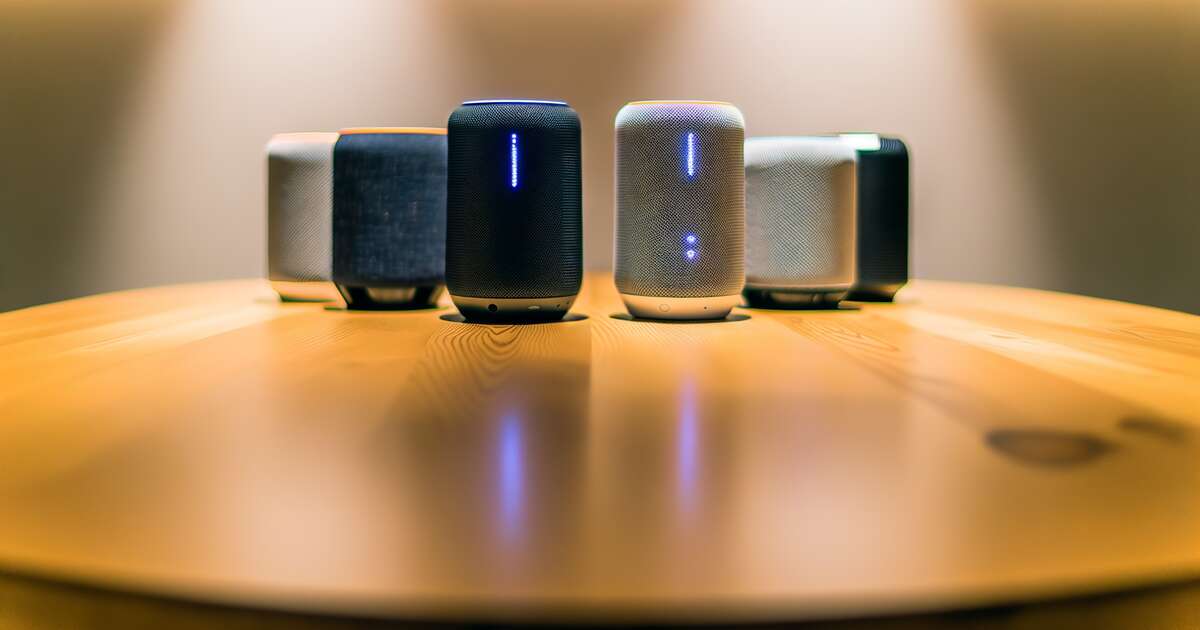
Have you ever found yourself tapping your feet to a catchy tune but couldn’t quite pinpoint the title or artist? Thanks to the latest advancements in technology, smart speakers are now more than just a tool for streaming music or controlling your smart home. They are a quick and effective solution for identifying those elusive songs in moments. Let’s explore how you can use your smart speaker, like Google Home or Amazon Echo, to discover the songs that capture your interest.
Steps to Use Smart Speaker for Song Detection
- Make sure your smart speaker is connected to the internet.
- Play the unknown song near the smart speaker.
- Ask your smart speaker – ‘Hey [Assistant], what song is this?
- Receive the song title and artist details voiced back to you.
Isn’t it fascinating how these intelligent devices can help enhance our music experience by keeping us connected to the music we love? They not only recognize the song but can also provide additional information, like lyrics or similar music suggestions. Have you ever used your smart speaker for this purpose? What was your experience like?
Tips to Improve Accuracy in Song Identification
Want to ensure your digital assistant gets it right when you’re thinking, ‘What Song Is This?’ Here are some practical tips you can use to boost the accuracy of song identification. It’s all about creating the right environment and tweaking your approach just a bit.
Clear Background Noise
Before asking your device to identify a song, try to minimize any background noise. Turn off fans, mute the television, or close nearby doors. Clearing extraneous sounds can make a world of difference in how effectively your device picks up the tune you’re curious about.
Optimize Device Placement
The position of your smartphone or smart speaker can influence its listening capabilities. For better microphone reception, place your device closer to the sound source. Avoid corners or areas cluttered with objects that could obstruct sound waves.
Use High-Quality Recordings
Accuracy isn’t just about technology; it’s also about the quality of what it hears. Whenever possible, try to play the song in the highest quality available. Grainy or distorted audio can impair your device’s ability to recognize the tune accurately.
Common Questions
How can I get Google to identify a commercial song?
To get Google to identify a song, you can use Google Assistant or the Google Search mobile app. Simply activate Google Assistant on your phone or another device by saying ‘Hey Google,’ then ask ‘What song is this?’ and play the song you want to identify. If you’re using the Google Search app, tap the microphone icon in the search bar and select the ‘Search a song’ option; then, hum, sing, or play the song. Google’s machine learning algorithms will analyze the melody and try to match it with a song in its database.
Can I hum a song to Google?
Yes, you can hum a song to Google to identify it. Open the Google app on your Android or iOS device, tap the microphone icon to activate voice input, and say ‘What’s this song?’ or select the ‘Search a song’ button. Then, start humming the tune for about 10-15 seconds. Google uses advanced algorithms to recognize the melody and compare it with songs available in its database, offering you results that match the hummed tune.
What is this song, Siri?
To identify a song using Siri, Apple’s voice assistant, activate Siri on your Apple device by saying ‘Hey Siri’ or holding down the home or side button, depending on your device model. Once Siri is listening, you can ask ‘What is this song?’ or ‘Name that tune,’ and play the song you are curious about. Siri will listen to the snippet of music and, leveraging Apple’s integration with Shazam, attempt to identify the song and provide you with the title and artist information.
What is the app to identify a song?
The most popular app for identifying music is Shazam. It is available for both Android and iOS devices and can recognize songs by listening to a short audio clip. Once Shazam identifies the song, it provides details such as the song title, artist, lyrics, and links to music streaming services. Other notable apps include SoundHound, MusicID, and the music recognition feature built into the Google Search and Apple Siri services.
Future of Music Recognition: Trends and Innovations
The future of music recognition technology is pulsing with exciting trends and innovations that promise to revolutionize how we interact with music. Imagine being at a party or a cafe, hearing a song you love but can’t identify. Soon, that frustration could well be a relic of the past. Technologies are emerging that not only recognize the song but also provide context, lyrics, and even concert dates in real time. Isn’t it thrilling to think about how these advancements could enhance your music experience?
Integration with Augmented Reality
One of the most anticipated trends is the integration of music recognition with augmented reality (AR). This technology could allow users to point their phone’s camera at a speaker and immediately see floating information about the song and artist. Imagine having a visually interactive overlay that not only tells you what song is this but also shows you related videos or merchandising opportunities?
Machine Learning Improvements
Another area ripe for innovation in music recognition is machine learning. By educating algorithms on vast amounts of data, the accuracy and speed of song identification can be significantly enhanced. These improvements mean less waiting and more enjoying as you instantly connect with the music that moves you.
Voice-Activated Features
Final Thoughts: What Song Is This? Identify Tunes with Your Phone or Speaker
Isn’t it incredible how easily we can now find out ‘What Song Is This’ using just our phones or smart speakers? The ease and rapidity with which we can identify any tune have truly transformed our musical experiences. Whether it’s rediscovering an old classic or uncovering a catchy new beat, music recognition technology is there to guide our musical journey. What will you discover next time a mysterious melody catches your ear?
With all these insights and tools at your fingertips, identifying any song is more effortless than ever. Give it a try next time a tune stumps you—just whip out your smartphone or ask your smart speaker for help. Who knows what amazing new playlists you’ll create with all the songs you can now identify effortlessly! 😄 Ready to put your music recognition skills to the test?