Using Apple AirPods with Android Devices: A Complete Guide
Thinking about using your sleek Apple AirPods with Android devices but not sure where to start? You’re certainly not alone! The allure of Apple AirPods’ seamless performance and sleek design doesn’t have to be limited just to iPhone users. In fact, pairing Apple AirPods with an Android device is simpler than you might think!
This complete guide will walk you through the nuances of Apple AirPods with Android compatibility. Whether you’re curious about how well they function together or need a step-by-step setup tutorial, we’ve got you covered. 🎵 Ready to break the boundaries and enjoy your Apple AirPods with your Android phone? Let’s explore how these two different tech worlds can come together for a harmonious experience!
Discover the must-know tips, tricks, and potential limitations you might face. After all, why should iPhone users have all the fun? Get ready to dive into the specifics of this tech-savvy setup!
Pros and Cons of Using Apple AirPods on Android
Thinking about pairing your Apple AirPods with an Android device? It’s definitely possible, and many choose to do so, but there are some important pros and cons to consider.
Pros of Using Apple AirPods on Android
- Quality Sound Experience: Apple AirPods are known for their high-quality audio, providing crisp and clear sound even when connected to Android devices.
- Ease of Use: Once paired, connecting Apple AirPods to your Android phone is typically a seamless process, automatically connecting when taken out of the case.
- Compact and Portable: With the sleek design and compact size, AirPods deliver the ultimate convenience and portability.
Cons of Using Apple AirPods on Android
- Reduced Functionality: Some features like automatically pausing music when an AirPod is taken out of the ear and Siri integration are not available when using with Android.
- No Battery Indicator: Android users won’t see battery levels on their phone, which can be inconvenient for managing charge times.
- Inconsistent Connection: Some users may experience less stable Bluetooth connections, depending on their Android device model and software compatibility.
So, are Apple AirPods Android compatible enough for your needs? While they offer great sound and convenience, weigh these pros and cons carefully to determine if they are the best wireless earbuds for your Android setup. 🎧

Initial Setup: How to Pair Apple AirPods With Android
Getting your Apple AirPods paired with an Android device might seem like a tech myth, but it’s entirely doable and pretty straightforward! So, how do you start dancing to the rhythm with your AirPods synced to your Android phone?
First, grab your AirPods and open the charging case. Make sure the AirPods are inside. Next, locate the setup button on the back of the case. It’s usually a small, flat button—you can’t miss it! Now, press and hold this button until the status light starts blinking white.
Once you’ve got the blinking light, pick up your Android device. Swipe down to access the ‘Settings’ menu and tap on ‘Connected devices’. Here, you should see the option to ‘Pair new devices’. Tap it, and your device will start scanning for nearby Bluetooth devices. Are your AirPods listed there? They should be named something like ‘AirPods’ unless you’ve renamed them.
Tap on ‘AirPods’ in the list, and voilà, you should be connected! 🎵 Isn’t it great to see Apple AirPods with Android compatibility in action? Now, you’re all set to enjoy your favorite tunes or podcasts using one of the most popular wireless earbuds, but on your Android device. If you run into any pairing issues, a quick reset of your AirPods or Bluetooth settings often does the trick!
Optimizing Audio Quality when Using AirPods on Android
When using Apple AirPods with Android setups, the emphasis on audio quality cannot be overstated. Although AirPods are primarily designed for Apple devices, there are several tweaks that Android users can employ to enhance their sound experience. To begin with, it is crucial to ensure your Android device supports aptX or AAC Bluetooth codecs, which greatly contribute to better sound quality.
Are you aware that equalizer apps available on the Google Play Store can also boost your audio experience? Apps like Wavelet and Equalizer FX allow you to customize the audio output to your preference. This can be incredibly useful, especially if you find the default sound settings on your Android device to be lackluster.
- Check for high-quality Bluetooth codec support (aptX, LDAC, or AAC).
- Install an equalizer app to customize sound settings.
- Keep your AirPods and Android firmware updated to ensure compatibility and optimal performance.
Regular updates are also key. Both your AirPods and Android device should have the latest software updates to guarantee they work seamlessly together. This not only optimizes audio quality but also ensures that you get the most out of specific features designed for Apple AirPods with Android compatibility. Are the updates making a noticeable difference in your audio experience?
Key Features and Limitations with Android Devices
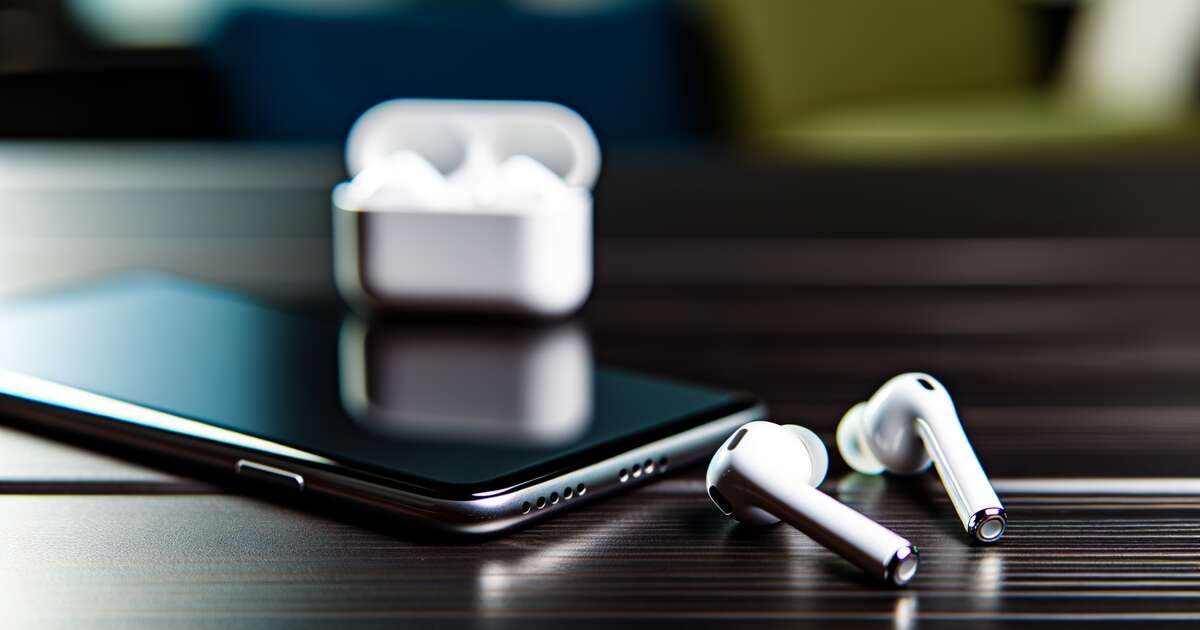
While Apple AirPods are primarily designed for use with iOS devices, they still offer a range of features when paired with Android devices. However, it’s crucial to understand both the capabilities and limitations you might encounter. Have you tried using Apple AirPods with Android configuration yet?
Key Features Available on Android
- Automatic pairing with easy Bluetooth connectivity
- Access to basic functions such as play, pause, and skip directly from the AirPods
- Built-in microphones enabling hands-free calling
Limitations to Keep in Mind
- Lack of Siri functionality, as Android has its own voice assistants
- Absence of customizability for tap controls which is available on iOS
- Potential issues with battery life display and more frequent firmware updates
Understanding these distinctions can greatly enhance your experience. Are you ready to optimize your Apple AirPods with Android setup for a better audio journey on your Android device?
Solutions to Common Issues with Apple AirPods on Android
Having trouble with your Apple AirPods when connected to an Android device? You’re not alone. Many users encounter common issues that can often be easily fixed. Whether it’s connectivity hiccups, subpar audio quality, or syncing problems, there’s usually a solution at hand.
Quick Fixes for Connectivity Issues
One of the most frequent challenges faced by users is maintaining a stable connection between Apple AirPods and Android devices. First, make sure your AirPods are fully charged — this can sometimes be the culprit behind connectivity issues. Next, try resetting your AirPods by placing them back in their case and holding the setup button until the LED light flashes amber and then white. Once reset, reconnect the AirPods to your device. Isn’t it simple?
Improving Audio Quality
If you’re experiencing poor audio quality, ensure that the Bluetooth codec settings on your Android device are optimized for your Apple AirPods. Access the Developer Options on your Android phone and select the appropriate audio codec from the Bluetooth Audio Codec options. This minor adjustment can often lead to a noticeable improvement in sound performance!
Syncing Challenges
Syncing issues with your Apple AirPods with Android setup? Try unpairing and then re-pairing the AirPods. Sometimes, simply starting the pairing process from scratch can resolve these kinds of issues. Also, ensure your Android device’s firmware is up-to-date, as outdated software can sometimes be responsible for connection troubles.
Common Questions
Can I use Apple AirPods with Android?
Yes, you can use Apple AirPods with Android devices. While AirPods are designed primarily for use with Apple products, they function via Bluetooth and can be connected to any Bluetooth-enabled device, including Android smartphones and tablets. However, when using AirPods with an Android device, you may not be able to access certain features such as ‘Siri’ activation or customized touch controls that are available on iOS devices.
Can I use Apple AirPods Max with Android?
Yes, Apple AirPods Max can be used with Android devices. Similar to the standard AirPods, the AirPods Max headphones connect via Bluetooth, making them compatible with any Bluetooth-enabled Android smartphone or tablet. Keep in mind, though, that certain features exclusive to Apple devices, like spatial audio with dynamic head tracking and easy switching between devices, will not be available when connected to non-Apple devices.
Does AirPods noise cancelling work with Android?
Yes, the noise cancelling feature of Apple AirPods Pro and AirPods Max does work when connected to Android devices. The Active Noise Cancellation (ANC) technology is built into the headphones themselves, so it functions independently of the device to which they are connected. However, controlling the noise cancellation settings directly from the Android device may not be possible; adjustments would typically need to be made on the AirPods themselves either via the force sensor on the AirPods Pro or the noise control button on the AirPods Max.
Alternatives to Apple AirPods for Android Users
While Apple AirPods can indeed be paired with Android devices, some users might be searching for alternatives that offer better compatibility or additional features. Have you ever thought about what other wireless headphones might be out there that could better suit your Android device?
Firstly, there are the Samsung Galaxy Buds. They’re designed to integrate seamlessly with Samsung’s ecosystem, much like the Apple AirPods Android experience, but with a few more features that are optimized for Android users. The Galaxy Buds provide an easy pairing experience and impressive sound quality, making them a worthy contender.
For those who prioritize audio quality, Sony’s WF-1000XM4 earbuds offer industry-leading noise cancellation technology. Isn’t it amazing how these earbuds can block out almost all background noise while delivering crystal-clear sound? Plus, their ergonomic design ensures they fit comfortably in your ears, perfect for long listening sessions.
If budget is a concern, consider the Google Pixel Buds A-Series. These earbuffs provide excellent integration with Google services and come at a more affordable price point while still offering solid sound quality and handy features like real-time translation. They are a smart choice for Android users looking for functional, yet economical alternatives to the Apple AirPods.
Lastly, don’t overlook the OnePlus Buds Z. Known for their value for money, these earbuds sync well with OnePlus devices and other Android phones, offering robust battery life and satisfying sound quality. Isn’t it great to have such versatile options that won’t break the bank?
Final Thoughts: Using Apple AirPods with Android Devices
Wrapping up our journey on integrating Apple AirPods with Android setups, it’s evident that while there are some quirks and a few hoops to jump through, the versatility that AirPods offer make the effort worthwhile. Are you ready to experience the seamless integration and superior audio quality that this setup promises? With the steps and tips outlined, you’re well-equipped to maximize your audio experience across devices.
Remember, even though they are from different ecosystems, Apple AirPods can indeed become a valuable audio companion for your Android device. So, why not give it a try and see how it transforms your listening experience? Looking for more tech tips and tricks? Keep exploring our site for more insightful guides and updates on all things tech! 🎧